Brand collection
j5create Docking Stations: Drivers, Displays and Power
By John Morris · Research checked October 6, 2026 · Our methodology
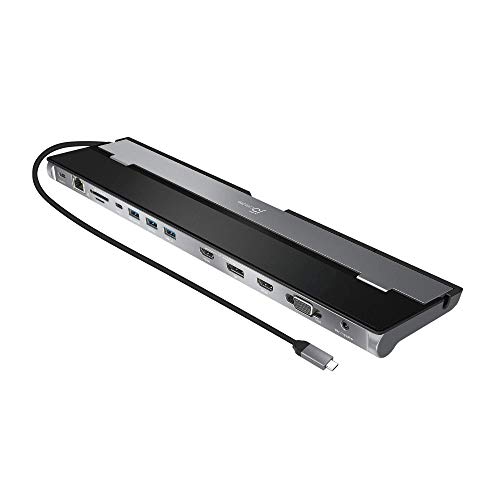
j5create docking stations in this collection do not share one display method. The JCD393 sends one screen through the laptop's native USB-C video path and needs no display driver. The JCD381 and JCD542 use the manufacturer's display software for unequal dual-HDMI outputs. The JCD3199 and Powerbase combine one native 4K60 path with one software-driven 4K30 path, so both the host's DisplayPort Alt Mode and the documented driver matter.
Choose the monitor arrangement before the port count. The JCD393 is the cleanest one-screen choice. The JCD381 and JCD542 suit a 4K30 main display plus a lower-resolution secondary display. The JCD543 is the only verified three-screen model here, but its supported triple combinations include VGA and top out at 4K30 on the digital path. It is not a three-4K60 dock.
Power numbers describe different jobs. JCD381 passes through up to 60W; the current JCD542 and JCD543 specifications list up to 100W but require a suitable separate USB-C supply. JCD3199 accepts a 140W PD 3.1 input while its host connection is listed at 100W. Powerbase instead contains a 163W AC supply and allocates up to 100W to the laptop plus separate 27W and 18W charging ports.